
The app's purpose. Someone quitting nicotine wants to see their progress every day. Support that opens in one tap at any moment matters even more. Clear offers both for free.
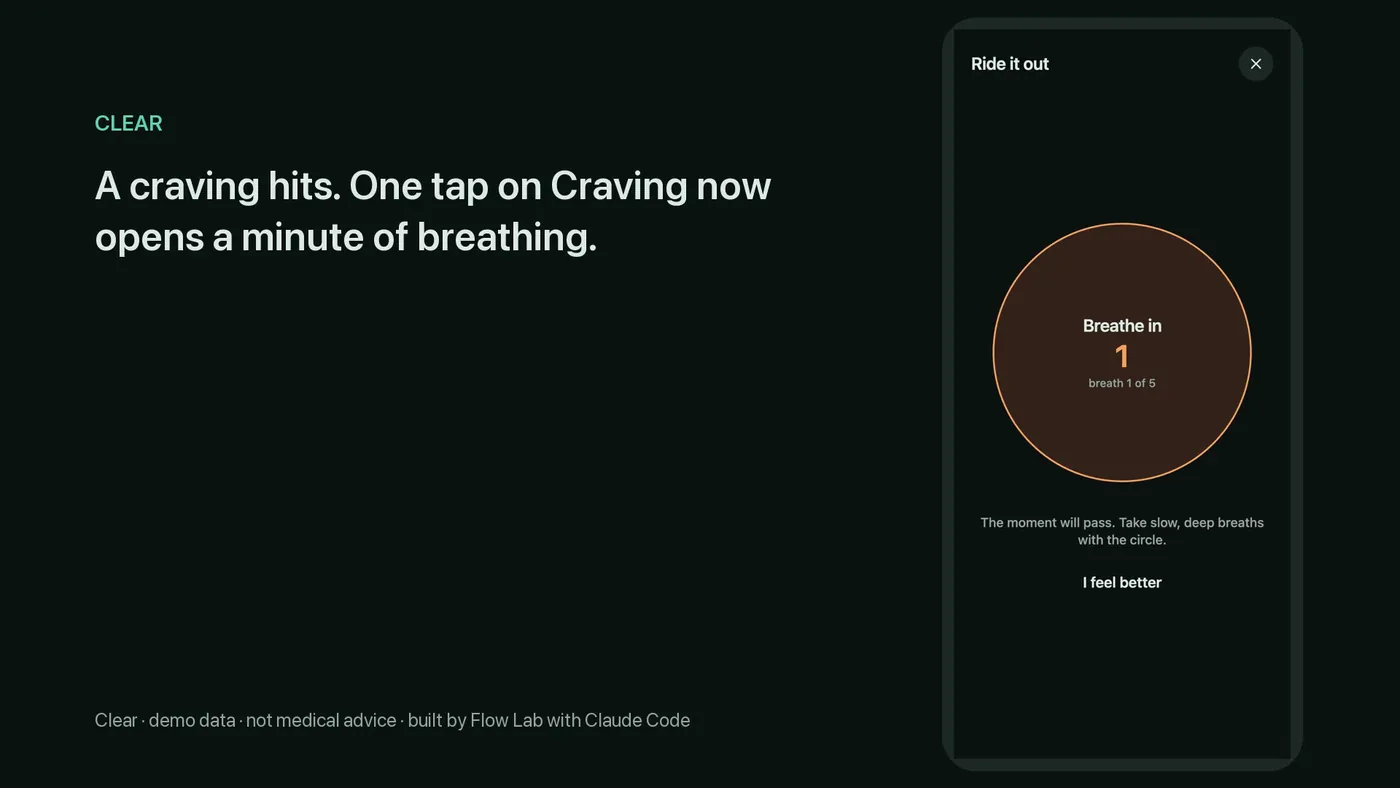
Progress and breathing on one screen. The Today screen brings together three things: nicotine-free days, money saved and today's journal entries. A ring fills with nicotine-free days toward the next goal. The money saved is based on the weekly spend the user enters. The “Craving now” button sits low on the screen, so a thumb reaches it easily. One tap opens a full-screen breathing exercise. The exercise lasts 60 seconds and consists of 5 breaths of 4-2-6 seconds each. The breathing text follows smokefree.gov guidance. The source is credited in Settings. The app is not affiliated with smokefree.gov. The Help section lists a free Russian helpline for people quitting nicotine: 8 800 200-0-200.
Language and appearance. The app works in English and Russian. It opens in the phone's language. By default, the theme follows the phone setting. Light or Dark can be chosen in Settings.
The journal and goals. Each tap on “Craving now” is saved in the journal with its trigger. The weekly view shows on which days these entries appeared and what prompted them. A reason for an “I slipped” entry is optional. After an “I slipped” entry, all your days stay in the count. Goals range from one day to one year. Each goal is counted by calendar date. Journal entries can be exported to CSV or saved as a backup file.
Test results. Automated tests check the day and goal math in 3 time zones. The page passes all 7 checks. Google rates the live version's speed at 98 out of 100. Accessibility, best practices and SEO each score 100 out of 100. The main content appears in 2.0 seconds. The app records only what the user enters. It gives no medical advice.
Your order is an app your users open every day, such as a tracker, a journal or a habit app. The first stage is a prototype of the main screens that opens on your phone from a link. The second stage is the working app, built with Expo and React Native, which runs in the browser as a web app. The same code produces the iOS and Android builds. Before handover, I test dates across time zones, both themes, small screens and speed. The code goes to your GitHub with setup notes. The app is published under your own Apple and Google developer accounts. Price and timeline come after you describe the project. You pay in stages, each one after you approve it. Work starts 2 business days after you confirm the quote. A quote holds for 7 days. AI writes the first draft of the code in Claude Code, Anthropic's AI coding tool. I handle the plan, the review and the tests myself. Support after launch costs $150 a month and covers up to 6 hours of work. You can cancel support month to month.
A short how-to video comes with your order at no charge. It shows how to change the text and settings yourself. The video is included when you confirm the quote within 7 days.