
What parents need. Across 4 Reddit threads, parents left about 260 comments about the features of the Nara app they actually used. They wanted one-handed logging, the last feed time in view, a calm screen at night and every entry saved. They also wanted the app free, with no ads and no account.
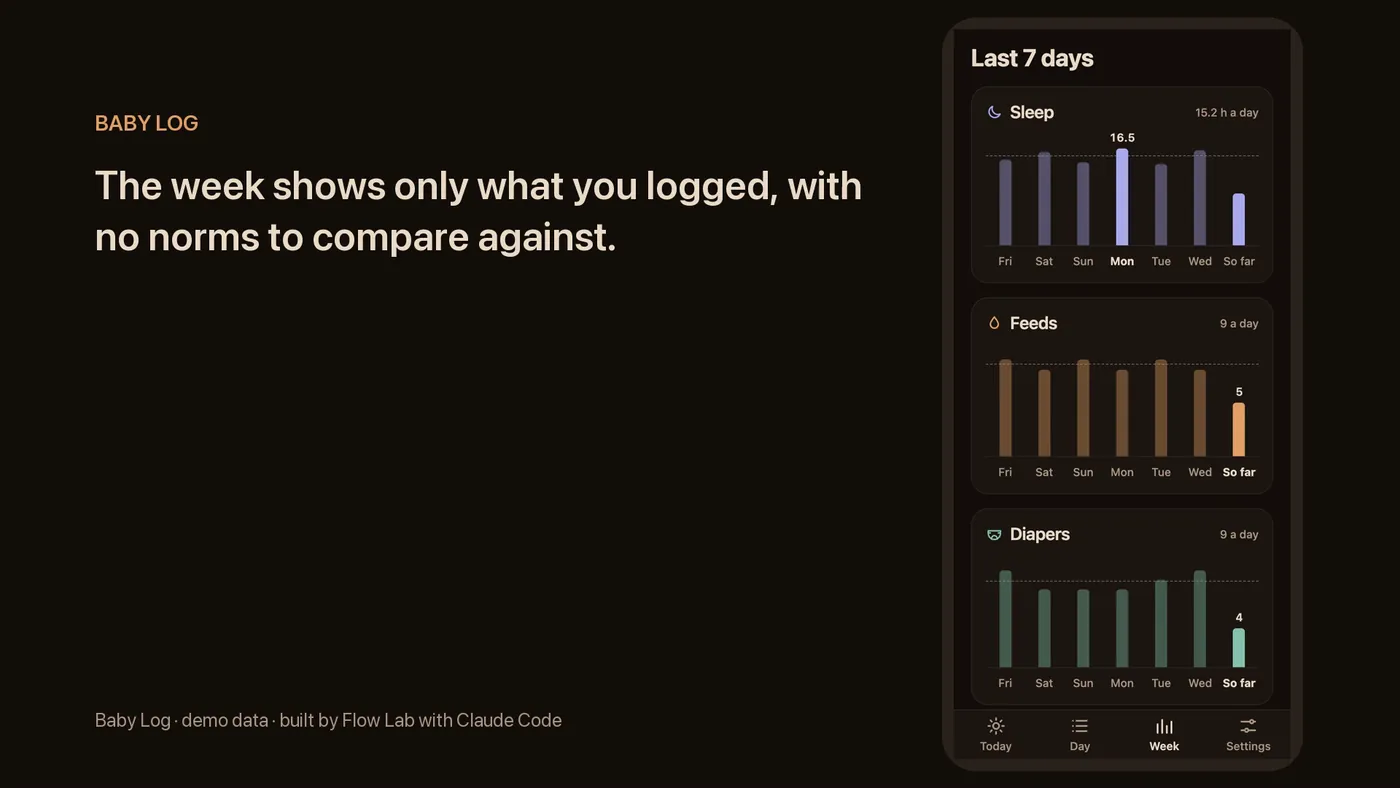
How the app works. The home screen has three large buttons: feed, diaper and sleep. Breastfeeding starts a timer on the right side. For the next feed, the app suggests the other side: “Next: Left”. The day view and weekly charts are one tab away. All entries are stored on the phone only and never sent over the network. In Settings, you can export entries to CSV or save them as a backup file.
Language and appearance. The app works in English and Russian. It opens in the phone's language. By default, the dark theme turns on from 9 PM to 7 AM. It also turns on whenever the phone is in dark mode. In Settings, you can choose Phone, Light or Dark.
Import from Nara Baby. The import reads a Nara Baby CSV export, which you get in Nara under Activity → Export Data. It follows Nara's documented export format and was tested on a sample file in that format. The import brings over feeds, bottles, diapers and sleep from Nara. Other entry types are counted and reported too. A repeat import keeps each entry exactly once.
Night scenario testing. Seven night scenarios were tested in the dark theme on a phone 390 px wide. Starting a feed, switching sides, logging a diaper or stopping a feed takes 2 taps. The last feed time is visible on screen without a tap.
Test results. Automated tests check the app's logic in 3 time zones, including sleep that crosses midnight. Google rates the live version's speed at 91 out of 100. Accessibility, best practices and SEO each score 100 out of 100. The main content appears in 2.4 seconds.
Your order covers an app that your users open every day, such as a tracker, a journal, a habit app or a counter of nicotine-free days. The first stage is a prototype of the main screens that opens on your phone from a link. The second stage is the working app, built with Expo and React Native, which runs in the browser as a web app. The same code produces the iOS and Android builds. Before handover, Flow Lab tests dates across time zones, both themes, small screens and speed. The code goes to your GitHub with setup notes. The app is published under your own developer accounts.
You get a price and timeline once you describe the project. You pay in stages, each one after you approve it. All amounts are in US dollars.
AI writes the first draft of the code in Claude Code, Anthropic's AI coding tool. Flow Lab handles the plan, the review and the tests.
Work starts 2 business days after you confirm the quote. A quote holds for 7 days.
Support after launch costs $150 a month. It covers up to 6 hours of work a month. Support is billed monthly, so you can cancel it month to month.
The first month of support comes with your order at no charge. It includes one check and edits of up to 30 minutes. The offer applies if you confirm the quote within 7 days.