
The goal of this demo was to make a 3D product page fast and clear on a phone. Apple and other major tech companies show their devices in 3D, with a model that moves as you scroll.
The whole page is built around one image, a case with light inside. Next to the headline sits a glass case in an aluminum frame, and its amber core pulses softly. On a computer, the model turns toward the cursor. In the “Inside” chapter, the page holds still and the case opens into 4 layers. The layers are the glass shell, the core, the compute board and the copper cooling. Each layer in turn comes forward with its caption while the others dim. At the end of the chapter, the case closes again. The design uses one typeface, one accent color and plenty of open space.
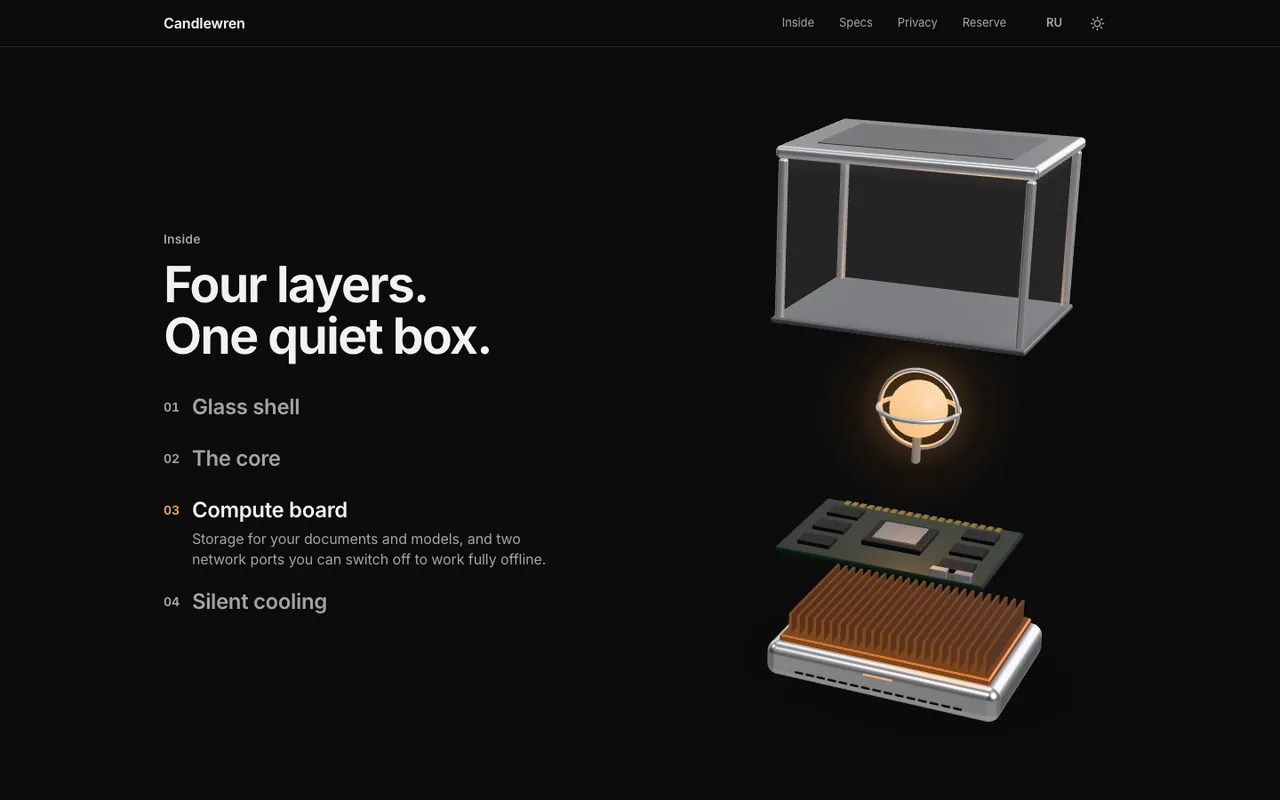
Numbers count up once as they come into view. The booking form checks every field and gives a written hint on how to fill it in, in English or Russian. After sending, the confirmation says this is a demo and nothing was sent. The language and theme switches sit in the header. The site remembers your choice. The lighting of the 3D scene changes with the theme.
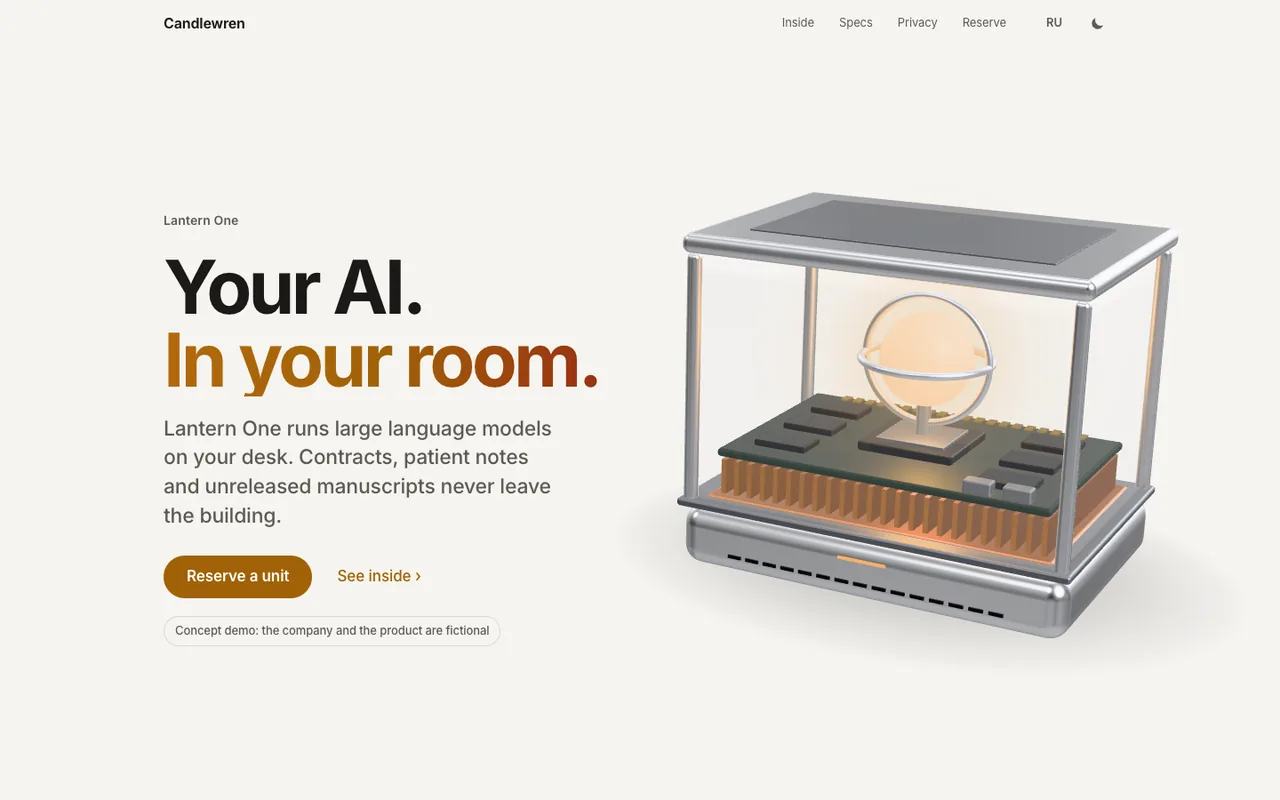
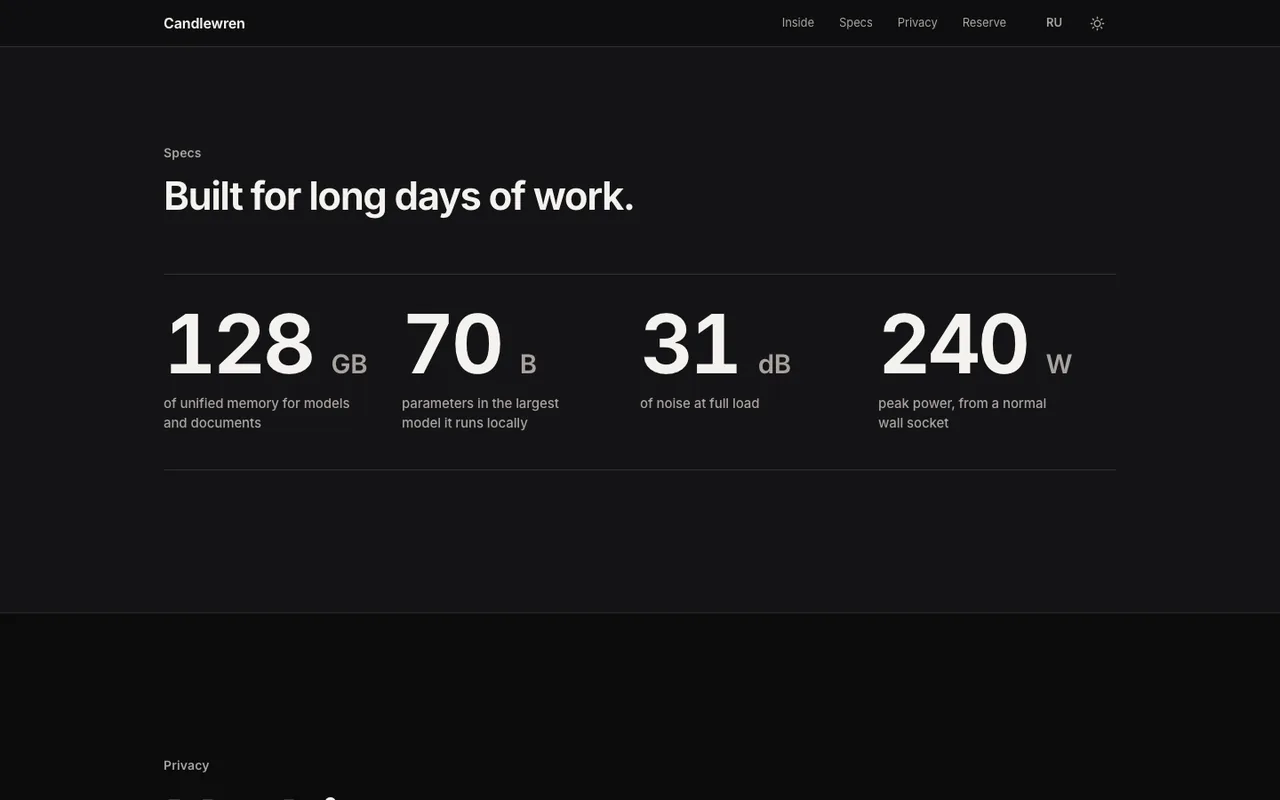
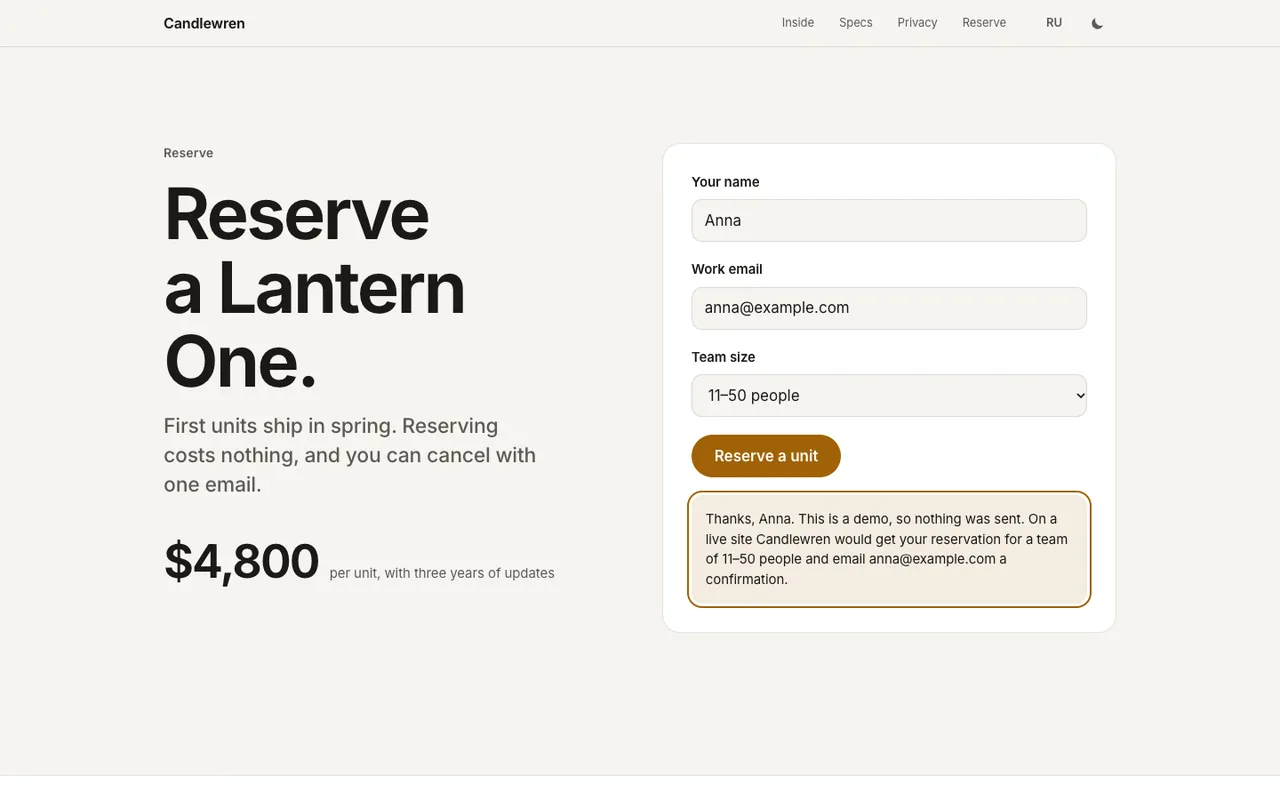
Simplified modes cover visitors with reduced motion turned on and devices without a graphics card. In both cases, the page shows still images of the model instead of the 3D scene. In these modes, the layers of the “Inside” chapter appear as a plain list. Every other section works like a regular site.
The 3D scene is easy on the device. It updates only when something in it changes and pauses while other sections cover it. If the device cannot keep up, the page lowers the resolution automatically. The model is built in code from simple shapes, so the browser has no separate model files to download. Fonts and libraries load from the site itself, not from third-party servers. The three.js library draws the scene, and GSAP ScrollTrigger and Lenis drive the scrolling.
Measured on October 1, 2026, in Chrome on a Mac with Apple M1. In both the desktop and iPhone layouts, the page runs at 60 frames per second. During the test, every frame was drawn on time. The iPhone layout was tested in phone mode on the same Mac, not on a physical phone. Google scored the desktop version 100 out of 100 in all 4 categories. The mobile speed score was 96 in 3 of 4 runs and 87 in the fourth. The main content appears in 2.1 to 2.3 seconds. 14 automated tests check how the case unfolds.
Your page shows a model of your own product, built from your CAD drawing or 3D file. The page carries your copy and your brand style. An optional panel lets you edit the copy yourself. I quote the price and timeline once you describe the project. You pay in USD and in stages, each one after you approve it. You can pay each stage via Contra, a PayPal invoice or crypto. The work happens in Claude Code, Anthropic's AI coding tool. After the AI drafts the code, I review and test it myself. Work starts 2 business days after you confirm the quote. Your quote holds for 7 days. After launch, you can add support for $150 a month. It covers up to 6 hours of work a month. That time goes to text and number updates, checks in new browsers and speed monitoring. Support requests get a reply within one business day. You can cancel support month to month.
If you confirm the quote within 7 days, the first month of support comes at no charge. That month covers one check and edits of up to 30 minutes.